For a simple editable text layer, open a supported PSD, choose the layer, apply your words and download PNG. You do not need Photoshop or an account for this task. The result is an image, not an edited PSD.
This walkthrough changes two fields in a self-authored event poster: OCT 18 → NOV 02 and ENTRY $20 → ENTRY $25. The sample uses separate horizontal Inter text layers and contains no third-party artwork.
Open the PSD text editor · Download the example PSD · Sample license and font source
Check the file first
PSDFlow accepts RGB 8-bit PSD with saved composite data, up to 50 MiB and 8 million canvas pixels. Text editing has a 50-layer and 32-million combined layer-pixel budget. Text must be visible, horizontal, unwarped and free of mixed character or paragraph styles.
Rasterized words are pixels, not editable text. Text inside a smart object is not directly exposed by this tool. A matching original font is required; load a valid TTF or OTF up to 20 MiB when requested. Our sample uses the Inter font already bundled in the processing engine.
1. Open the real example
Visit the text editor, which starts in Edit text mode. Click Try poster example, or download the PSD and choose it from your device. The example is marked PUBLIC EXAMPLE so it cannot be confused with a privately selected file.
You should see a 720 × 480 poster with an OPEN STUDIO heading. The text-layer list contains Heading, Subtitle, Date, Price and Footer. Layer order may differ; select by its name.
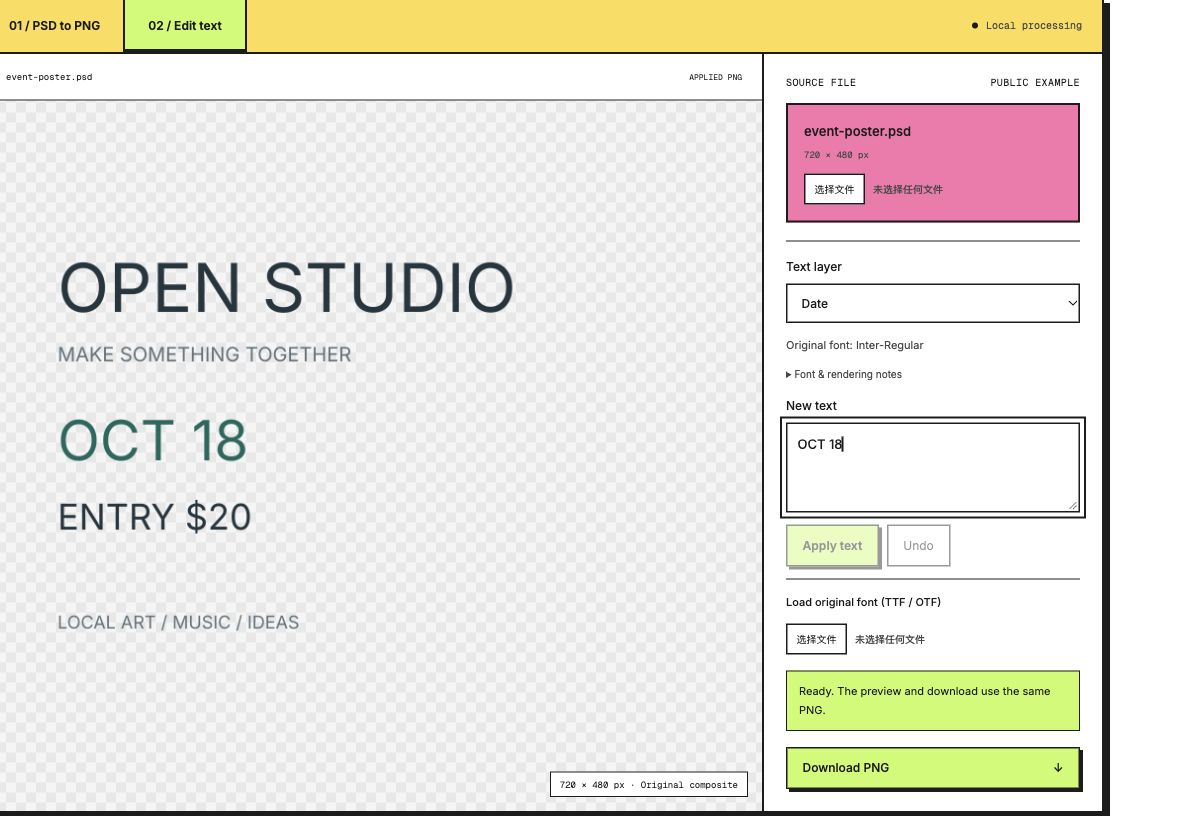
2. Change the date
Choose Date, replace OCT 18 with NOV 02, then click Apply text. The preview updates after processing. While a new draft is unapplied, the download link is disabled so you cannot accidentally export a previous version.
If a different PSD reports a missing original font, load the exact font first and apply again. Loading an unrelated font will not silently replace it.
3. Change the price
Choose Price, replace ENTRY $20 with ENTRY $25, and apply it. The previous date edit remains. Inspect both fields and check the edges, spacing and other layers in the preview.
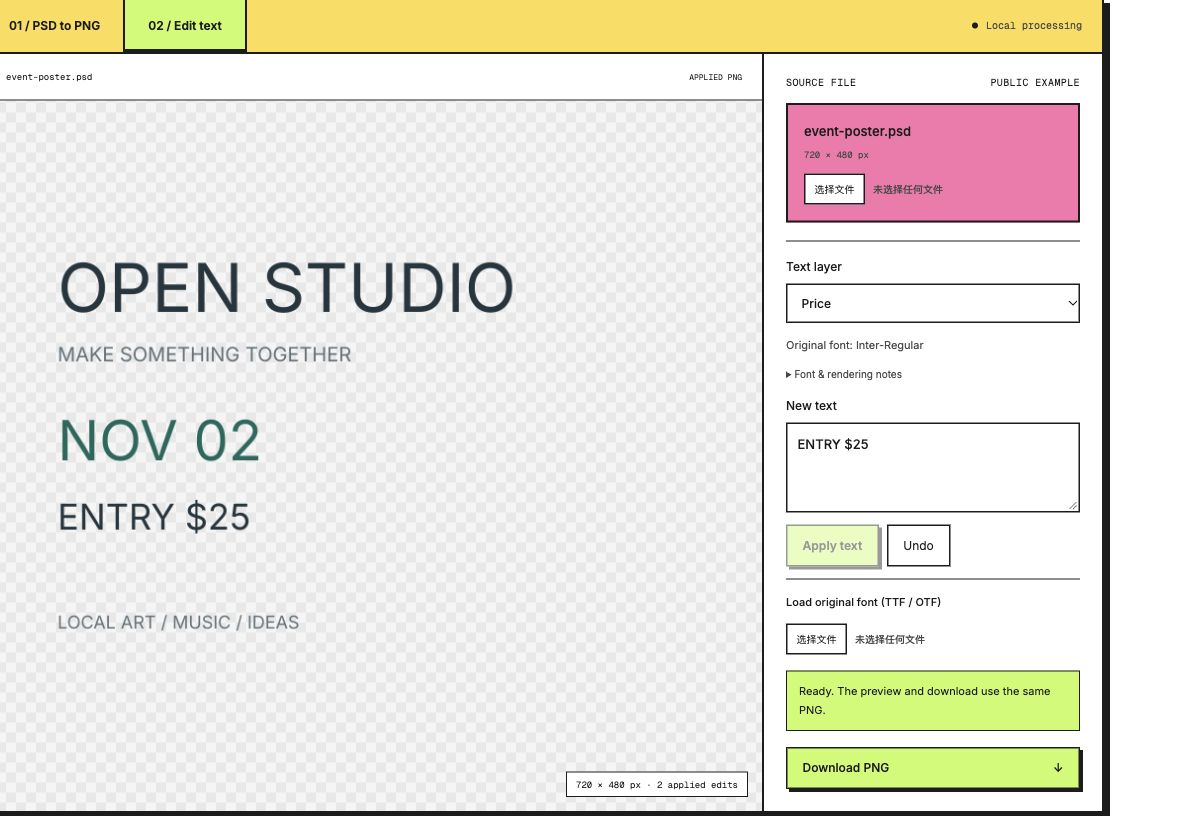
4. Download and verify
Click Download PNG. The output uses the same image as the applied preview and keeps the 720 × 480 canvas. The original source PSD is not rewritten.
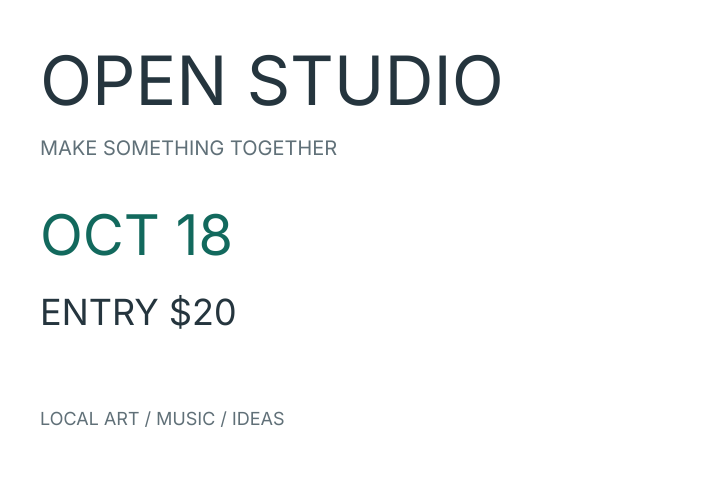
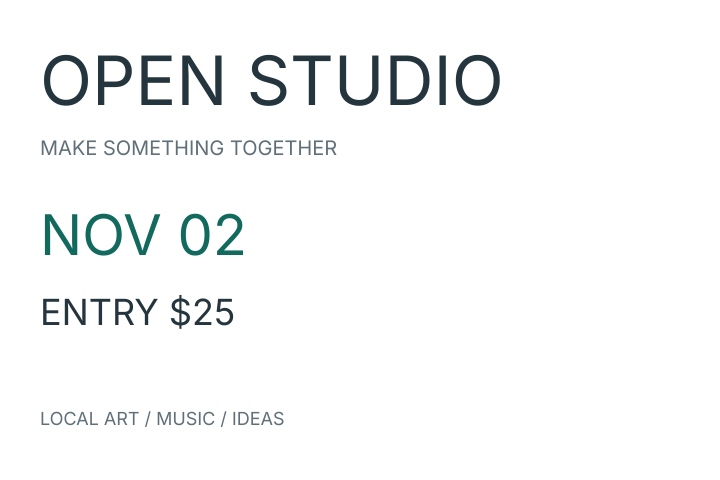
Original PNG · Edited reference PNG
The example was generated and edited with the fixed PhotoCraft core; our browser acceptance check compares the exported pixels to the native edited reference. That verifies this sample, not arbitrary templates.
If the result needs a correction
Undo reverses the latest applied change. Undo twice after the two edits restores the original saved composite, including its original text rendering. Typing a draft and undoing an applied edit are different operations; check the selected text and preview after each action.
Undo keeps up to 50 recent steps, subject to the engine’s memory budget. Restore original clears every edit and draft and recovers the saved composite even after older undo steps have been dropped. Cancel task stops processing and clears the working document; choose your PSD again to continue.
Text is laid out again after edits. Antialiasing, paragraph wrapping and effects may differ from Photoshop. For complex typography, exact client delivery or an editable PSD result, use a full editor.
If the text cannot be edited
- No text layers: the words may be rasterized, hidden or inside a smart object. Ask for a template with visible editable text layers.
- Missing font: obtain the matching font with permission to use it, then load it from your device. Do not assume another font is equivalent.
- Unsupported text: mixed styles, vertical text or warping need a full editor.
- No composite: save a compatible PSD with its composite image before opening it here.
Diagnose PSD text that is not editable · Only need the saved image? Convert PSD to PNG
About this example
Author: PSDFlow. Updated: 10 October 2026. The self-authored artwork is CC0; Inter is SIL OFL. The poster has five editable text layers and a transparent background. The checkerboard around transparent areas is a page display aid, not part of the output PNG.